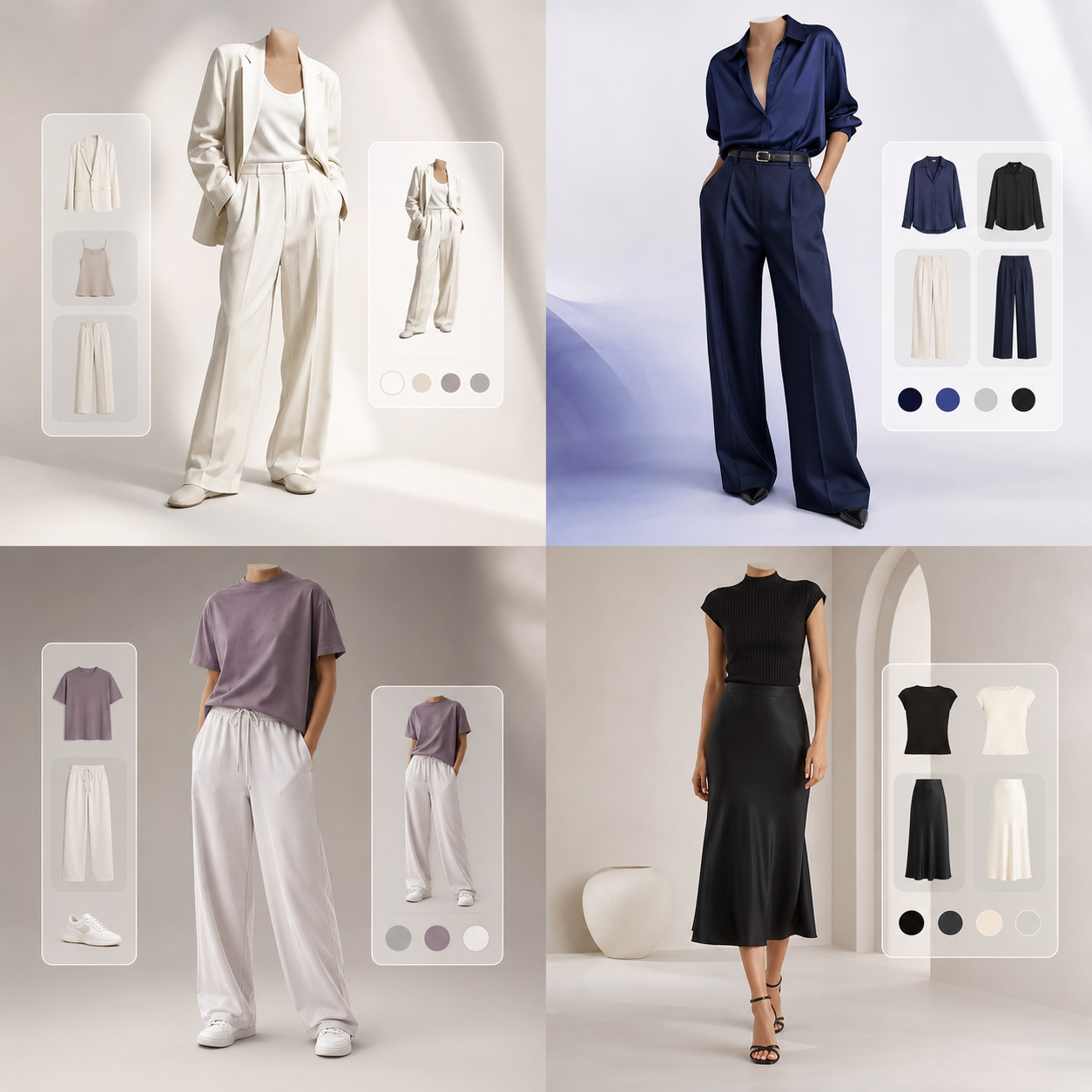


Eliminating Fit and Styling Doubts from Ecommerce
Every online shopper has asked: "How will this look on me?" Sizing charts and catalog images help to some extent, but they cannot show how a garment interacts with your body shape, height, and skin undertones.
Try It On answers this question instantly. By draping clothing screenshots over your reference photo, you shop with clear visual evidence, reducing shopping doubt and avoiding return cycles. It builds checkout confidence.
This personalized preview removes the guesswork of online retail. You see if a blazer shoulders align with yours, or if a dress color highlights your hair tone, coordinating combinations before purchase.
The Sizing Dilemma: Model Proportions vs. Real Frames
Apparel catalogs display garments on professional models who are tall, thin, and styled under controlled studio lighting. The clothes are often pinned or clipped behind to create an idealized silhouette.
When you buy the item, the length or neckline fits differently on your frame. Virtual try-ons resolve this by deforming the catalog pixels to map onto your actual body pose keypoints, showing realistic drape.
The warping engine calculates fabric physics boundaries. A structured coat retains its outer boundaries, while soft cotton wraps around limbs, providing an honest, proportional preview.
How to Take the Best Reference Photo for Visual Fitting
To check how clothes look, set up a clean styling profile. Pose front-facing under soft daylight, standing straight with arms slightly away from your sides, creating body separation.
Wear thin, neutral basics like a t-shirt and slim jeans. This pose helps the segmentation networks outline shoulders, sleeves, and hemlines accurately without fabric bulk distortions, creating a neat canvas.
Stand 4-5 feet away from the lens at eye level. Tying back long hair helps map collar shapes, ensuring that subsequent collar and jacket try-ons align cleanly on your neck coordinates.
Multi-Marketplace Try-On: Test Zara, H&M, and Boutique Finds
The Try It On dashboard is brand-agnostic. Screenshot style listings from Zara, H&M, Myntra, or local boutiques, crop out text overlays, and upload them to the app. You test any look in one board.
The AI warp engine blends the garments onto your reference photo, letting you check fits across different brands in one styling board. It optimizes wardrobe synergy checkups.
You build complete moodboards for workwear, travel capsules, or weekends. Comparing coordinates side-by-side removes cart uncertainty, saving credit card limits.
Dressing Better: Curate Outfits with Visual Checks
Ultimately, visual fit checking cuts fast fashion return waste. You buy the single size and shade you know look flattering, building an intentional closet. It cuts shipping logistics overhead.
Try It On bridges digital retail convenience and dressing room mirrors, redefining digital fashion shopping for a green, personalized lifestyle. It supports sustainable consumer habits.
Step into a clean styling workflow. By verifying fits beforehand, you order correct cuts the first time, reducing packaging waste and transport carbon, looking polished daily.
Optimizing Your Digital Dressing Room Experience
To achieve the absolute highest fidelity when rendering clothing virtually, understanding the interaction between camera angles and neural networks is essential. Our generative AI engine maps your body coordinates by identifying 24 key joints on your portrait. Stand straight, face the camera directly, and keep your camera at eye level (about 4 to 5 feet from the ground). Posing at high or low camera angles distorts body proportions, causing the warping engine to stretch sleeves or collars unnaturally on your generated preview cards.
Textile weight and density also play a critical role in visual simulations. Heavy fabrics like denim, structured leather, and thick wool are modeled with high rigidity boundaries. This means they retain their boxy silhouette shapes. Lightweight textiles like linen, silk, and stretch knits drape loosely, wrapping around your pose curves. If you are trying on structured outerwear, wear thin, form-fitting base clothes in your reference photo. Bulky base garments distort the coordinate detection, causing subsequent layers to appear too loose.
Lighting consistency is the final element that converts simple mockups into studio-grade lookbook assets. The generative model blends ambient light from your reference photo onto the garment texture, drawing realistic shadows along creases. For best results, capture your profile photo in soft, front-facing daylight. Avoid strong backlights or colorful room lights, as these distort the color theory matching and contrast balancing. With these simple setup steps, you can build a premium digital wardrobe playground, comparing outfits side-by-side and shopping with absolute visual confidence.
Organizing your digital wardrobe is the final step toward an optimized lifestyle. By logging your favorite shirts, trousers, and outerwear as digital assets, you build a playground for coordination. Our conversational AI fashion stylist is available 24/7 to suggest outfit pairings, check color harmony, and recommend seasonal trends. Sharing styling cards with friends for feedback turns online shopping into an interactive community experience, helping you build a versatile closet.